RDVision Laser Cutting Control Software Operation Manual
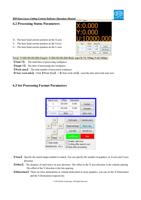
One simple method is to check the coordinate arrow position in the graphical display area according with the
machine actual origin position. If not, you should modify the direction mirror.
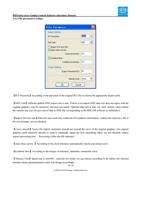
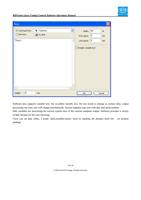
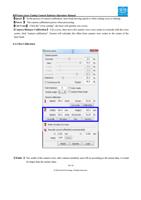
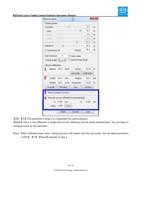
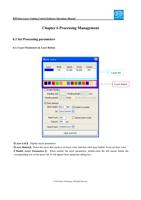
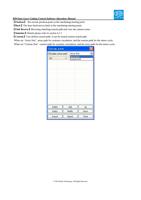
Small Circle Speed Limit
On processing work, the software automatically determine whether the current round need to limit speed ,then
according to the diameter size of the circle to determine the speed. If parameter is proper, the small circle cutting
effect will be greatly enhanced. Click button【Add】,【Delete】, 【Modify】 to configuration.
The speed rule of small circle is less than the speed of the rules limiting list of small round circle of minimum
radius, output as the corresponding speed of minimum radius circle.
If the speed greater than maximum speed limit lists the speed round, the speed only associated with the speed
of the layer.
If the speed is in the list, set the output speed as list.
If the request received by limiting layer parameters faster than the setting speed in the layer, output as the layer
speed.
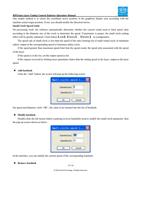
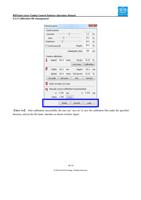
Add backlash
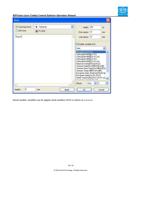
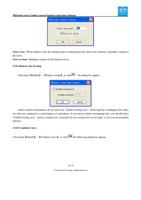
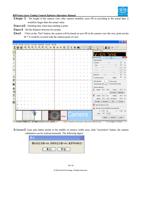
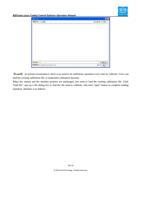
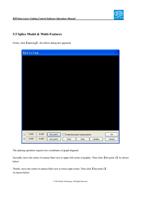
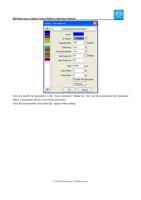
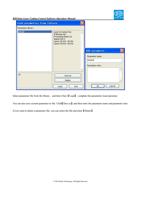
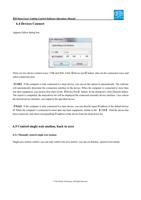
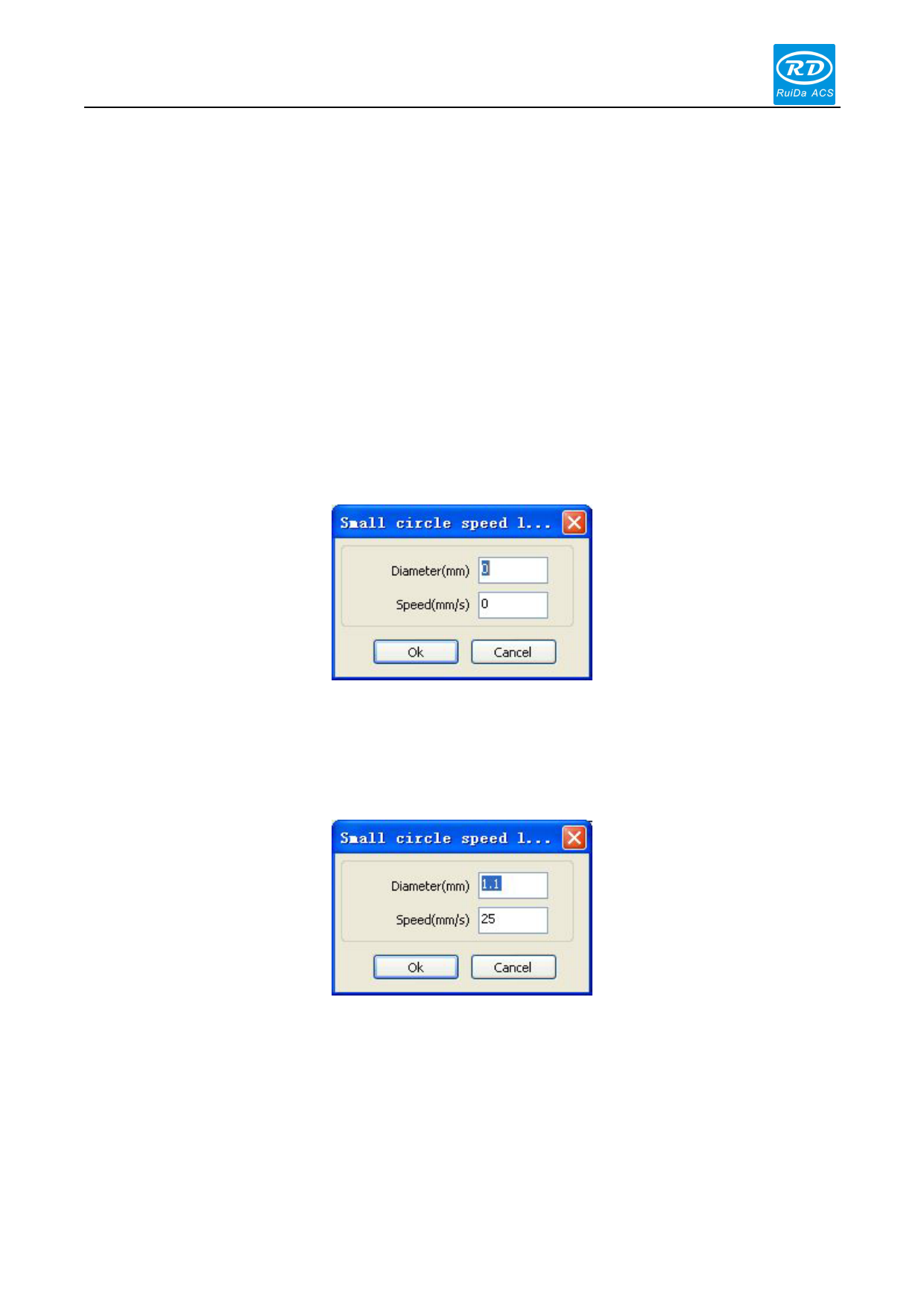
Click the “Add” button, the screen will pop up the following screen.
Set speed and diameter; click “OK”, the value to be inserted into the list of backlash.
Modify backlash
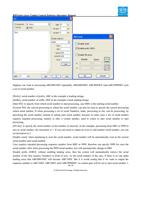
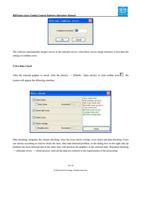
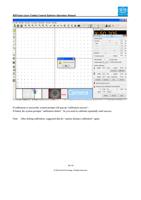
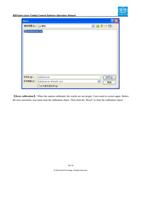
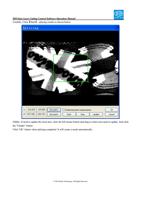
Double-click the left mouse button scanning (reverse backlash) need to modify the small circle parameter, then
the pop-up screen shown as below:
In the interface, you can modify the current speed of the corresponding backlash.
Remove backlash
37 / 81
© 2016 Ruida Technology. All Rights Reserved.